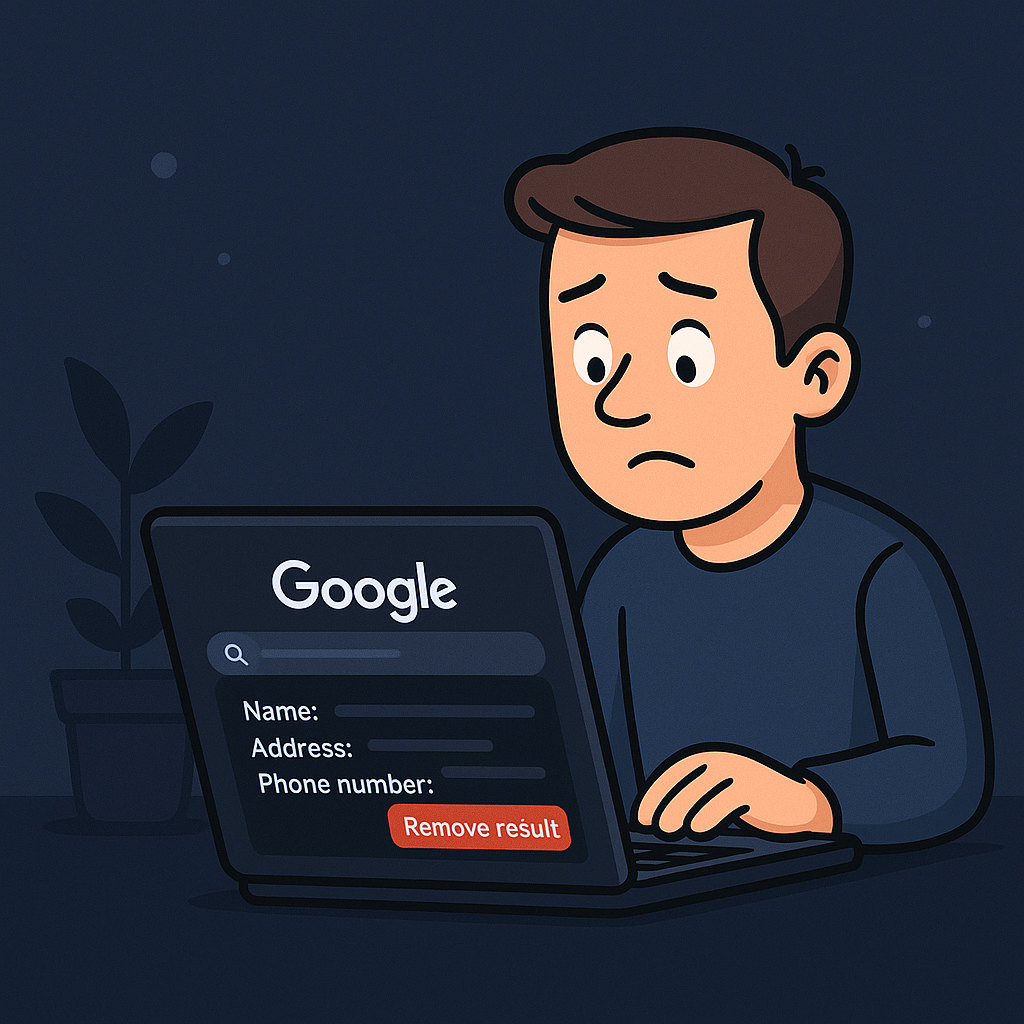
If you’ve ever searched your own name and felt uneasy about what showed up, you’re not alone. For many people, phone numbers, addresses, and even emails sit in plain sight for anyone to find. The challenge isn’t just seeing what’s out there but figuring out where to start cleaning it up.
Google’s Results About You tool gives you that starting point. It won’t erase your footprint from the internet, but it offers a free and simple way to reduce your exposure right away. When it comes to taking back your privacy, this is where you begin.
What the Tool Actually Does and Doesn’t
What it does
- Lets you enter your name and contact info so Google can look for matches in its own search results
- Allows you to request that those matches be removed from Google Search
- Alerts you if new results appear that contain your personal data
What it doesn’t do
- It doesn’t contact the original websites or data brokers on your behalf.
- It doesn’t delete the information from the source, only from Google’s search listings.
- It can’t reach private databases or content behind paywalls.
- It won’t remove news stories or posts that fall under public interest reporting.
In other words, Google helps hide the information from search results, but it doesn’t erase it from the internet itself.
Why This Is a Smart First Step
Many people delay privacy work because it feels overwhelming or too technical. The appeal of this tool is that it creates immediate progress with almost no setup.
- It’s completely free. You don’t need to sign up for a service or learn complicated removal procedures.
- It shows you what’s exposed. Seeing the sites where your data appears helps you decide what to tackle next.
- It cuts easy visibility. Most online searches begin on Google. Hiding your data there raises the cost for anyone trying to profile you.
- It builds momentum. Removing even a few listings creates motivation to keep going.
As you’d put it from an OPSEC mindset: if someone were building a profile on you, their first stop would be Google. Taking yourself off that first layer instantly makes you a harder target.
What People Are Saying
r/LifeProTips:
“All of my requests have been approved within a day or two.”
View thread
r/privacy:
“Google has a service that lets you review searches with your name and remove them… I’ve removed my name from quite a few search results.”
View thread
r/privacy (follow up comment):
“This removal request feature only seems to work for removing very menial information from Google. It is in no way helpful if you’re dealing with search results that show sensitive content.”
View thread
r/degoogle:
“I tried the Results About You tool. It worked well for removing my information from Radaris and Whitepages, but it couldn’t touch my mugshot or news articles. I had to hire a firm for that.”
View thread
The consensus: it’s an easy win that makes a noticeable difference, but it doesn’t solve everything.
Know the Limits
- Delisting is not deletion. The page still exists on the internet; it’s just harder to find.
- Approval isn’t automatic. Google can deny a request if it believes the information is in the public interest.
- Processing can take time. Some users see results in a day or two; others wait weeks.
- Regional access may vary. A few users reported messages saying the feature isn’t available in their country.
Understanding those limits helps you use the tool strategically instead of expecting it to fix everything at once.
How to Fit It Into Your Privacy Plan
Think of this as reconnaissance. Use it to see what’s visible, hide what you can, then build a list of which sites still hold your data. After that, you can move to the next level: contacting those sites or submitting direct opt-out requests to data brokers.
Treat privacy like maintenance. Every few months, run the check again. New leaks happen, and this keeps you aware of what’s changing.
How Long It Takes to See Results
Once you set up the Results About You tool, don’t expect instant feedback. Most users start seeing matches within a few hours to a few days, depending on how much personal information Google can find that matches your name, phone number, or email.
If you have a common name or multiple old addresses, it may take longer for Google to surface all the results. Once matches appear, you can request removals directly from your dashboard, and those requests typically process within a few days. Some users report approvals in 24 to 48 hours, while others wait a week or more depending on volume and review complexity.
It takes a bit of patience, but the tool works quietly in the background. Think of it as setting up a watchtower that keeps scanning and alerting you whenever something new appears.
Final Thoughts
Google’s Results About You won’t clean your entire digital footprint, but it’s a strong opening move. It gives you insight, hides the obvious data, and helps you take control without spending a cent.
Once the easy wins are done, keep going. Reach out to data brokers, remove your listings at the source, and continue tightening your footprint. The goal isn’t perfection, it’s progress.
If you want to see what personal information Google has indexed about you, start here:
Google Results About You